Risk warning: CFDs are complex instruments and come with a high risk of losing money rapidly due to leverage. Risk disclosure
Company news1 min read

The Xellion app is on the App Store and Google Play

Markets, charts, deposits and withdrawals in one app. Where to download it and what you will find inside.

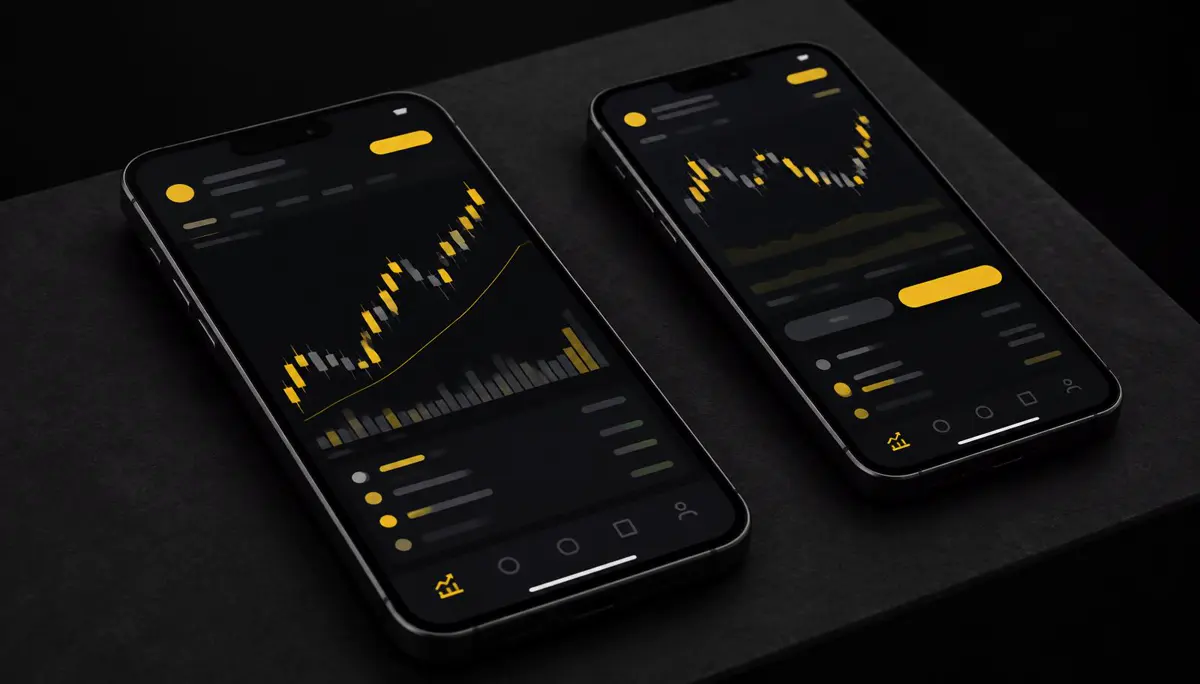
Two smartphones showing a dark trading app with yellow accents
On this page
  1. What is inside
  2. Local payments in the app
  3. Getting started

The Xellion app brings your account to your phone. You can download it from the App Store for iPhone and from Google Play for Android.

What is inside

  • Home: your balance, open positions and the markets you follow.
  • Trade: charts and order tickets for forex, metals, indices, energy and crypto CFDs.
  • Funding: deposits and withdrawals with the local payment methods available in your country.

Local payments in the app

Deposit methods depend on where you live — for example UPI in India, MoMo in Vietnam or mobile money in Kenya. See every method and minimum on the funding page.

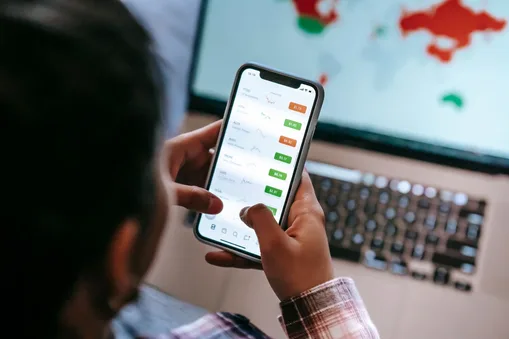
Trader checking a price chart on a smartphone
Imagery is illustrative.

Getting started

  1. Download the app from your store.
  2. Open an account or log in.
  3. Verify your identity, then fund your account.

Prefer to practise first? You can try a free demo without risking real money.

This article is general information and education, not investment advice. CFDs are complex instruments and carry a high risk of losing money rapidly due to leverage.

Ready to put it into practice?
Open an account in minutes, or practise on a free demo first.

Risk warning: CFDs are complex instruments and come with a high risk of losing money rapidly due to leverage. You should consider whether you understand how CFDs work and whether you can afford to take the high risk of losing your money. Blog articles are general information and education, not investment advice. Risk disclosure